 Elevated
 You already know something worth paying for. Maybe it's how you plan meals, run a booth, train a dog, or close a sale. An ebook is the simplest way to turn that knowledge into a product you can sell over and over without making it again. And you don't need a designer or expensive software to do it. You need Canva and a clear plan. Here's the whole path, step by step.
Pick a topic that actually sells
The ebooks that sell solve one specific problem for one specific person. "Everything about cooking" is a library. "5 dinners you can make in 15 minutes with a toddler on your hip" is a product. The tighter the problem, the easier it is to write, price, and sell.
A quick test: can you finish the sentence "this helps [specific person] finally [specific result]"? If you can, you have a topic. If you're stuck, the free Idea Brainstormer is built to hand you tailored product angles in a few seconds so you're reacting to a list instead of a blank page.
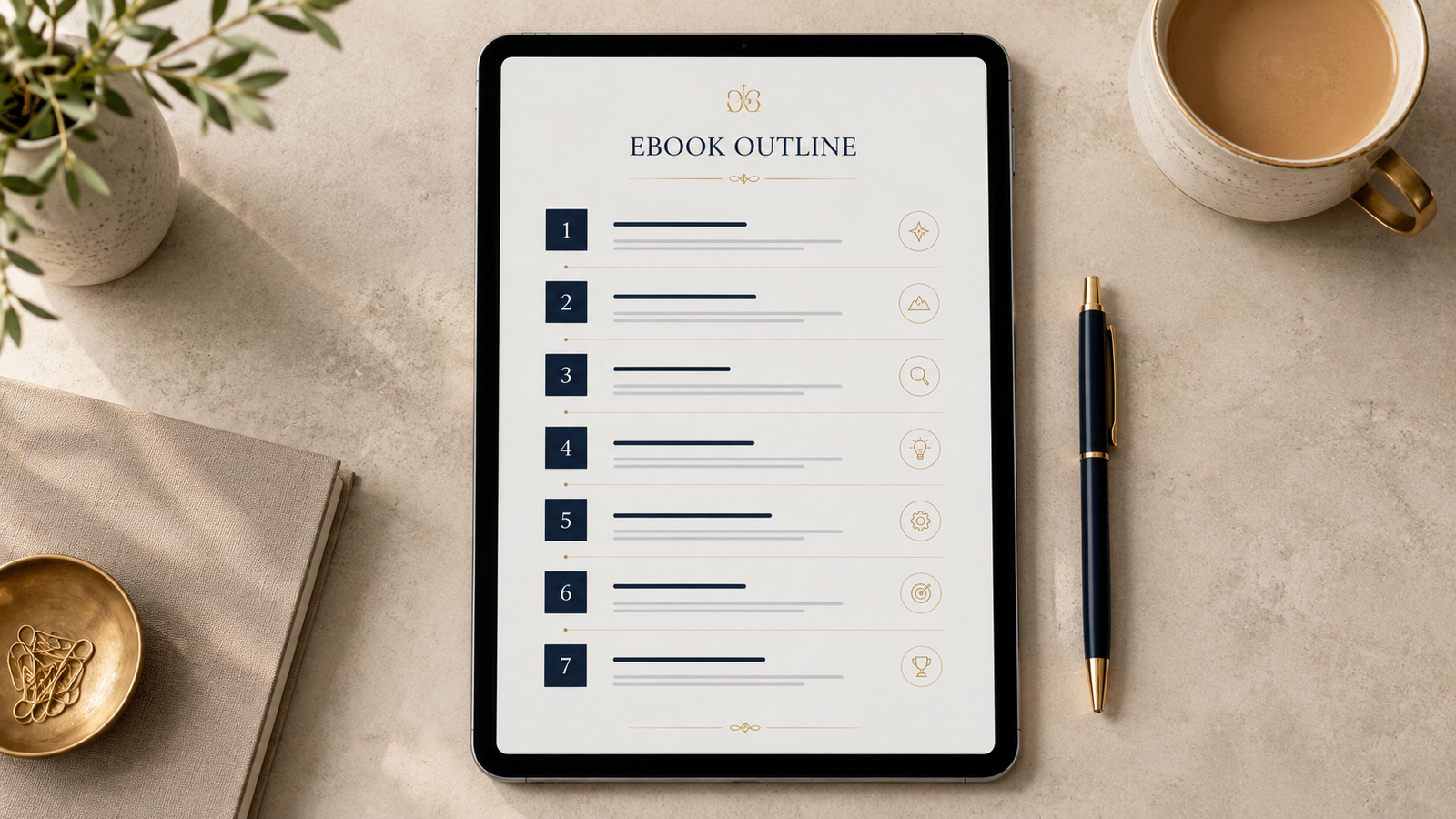
Outline before you write
Never write an ebook by starting on page one and going until you're tired. Outline first. List the chapters or sections as the steps someone takes to get the result you promised, in order. A good outline is basically the table of contents, and once it's there, writing becomes filling in blanks instead of inventing structure.
Aim for a logical arc: the problem, the approach, the steps, and a clear finish. Five to ten sections is plenty for most ebooks.
Write it (and where AI helps)
Now fill in each section. Write like you talk. The person bought this because they trust you to explain it simply, not to sound like a textbook. Short paragraphs, real examples, and a clear takeaway per section.
This is a place AI genuinely speeds things up, as long as you use it correctly. Let it draft a section from your outline notes, then edit every line so it sounds like you and includes your specific examples. A rough draft you fix is far faster than a blank page you start. We wrote a full guide on what to automate and what to still do yourself, and an ebook is the perfect case: let AI handle the first draft, you supply the point of view and the stories that make it worth buying.
Design it in Canva
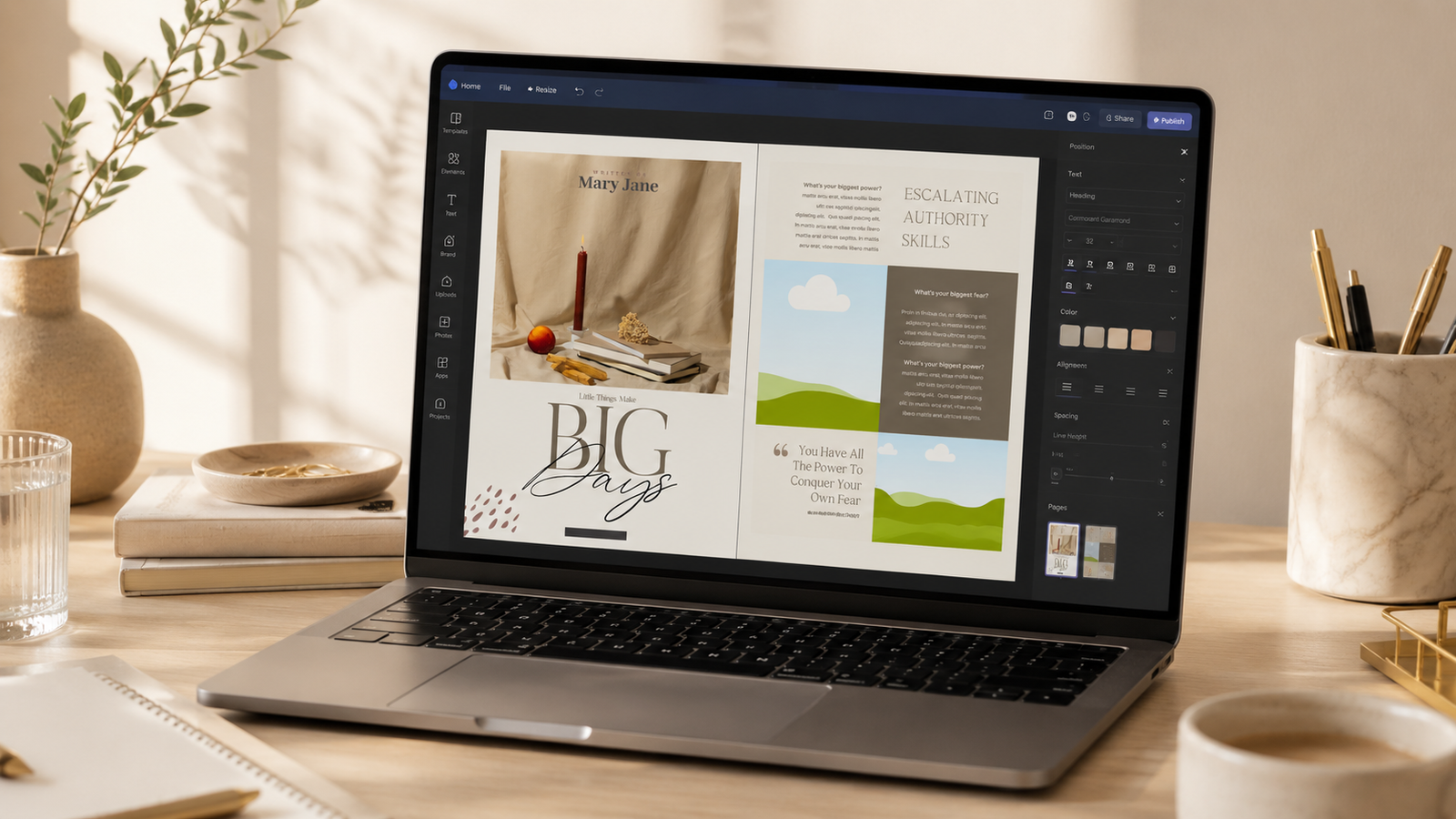
Open Canva and start a new design at document size, typically A4 or US Letter for an ebook. You'll build a cover, then interior pages for each section. Canva handles the fonts, images, page layout, and everything else you need.
Here's the honest shortcut, though. Designing every page from scratch is where most people stall for days, fussing with margins and spacing that a designer would have set once. The faster path is to start from a template that already has the cover, chapter pages, and layouts built, so you only swap in your text, colors, and images. That turns days of design into an afternoon. It's exactly why we sell editable Canva ebook templates: the professional layout is done, and you make it yours in minutes.
Brand it so it looks like yours
Branding is what makes a template stop looking like a template. Three things do most of the work: pick two fonts and use them consistently (one for headings, one for body), choose two or three colors and stick to them, and put a strong, simple cover on the front. The cover is what sells the ebook in a thumbnail, so give it the most attention.
If you have brand colors and fonts already, apply them everywhere. If you don't, pick them now and keep them the same across every product you make, so your shop starts to feel like one recognizable brand.
Export a clean PDF
When it's ready, export as PDF. In Canva, choose Share, then Download, then PDF Print for the best quality. PDF is the right format because it looks identical on every device, it's hard for a buyer to casually edit, and everything opens it.
One tip: check every page in the exported file before you sell it. Canva occasionally shifts an element on export, and catching it once beats a refund request later.
Sell it
Now you have a product. To sell it, you need two things: a place to list it and a way to deliver the file. Etsy is the easiest starting point because it brings its own shoppers, so you're not also trying to build traffic from zero. A checkout tool like SamCart or Payhip works when you're driving your own traffic and want a cleaner funnel. Many sellers use both, Etsy for discovery and a checkout page for everything else.
Price it on the result it delivers, not the page count. An ebook that saves someone ten hours is worth more than its length suggests. And once you've made one, the next is faster, because your template, brand, and process are already built.
FAQ
Can you really make a sellable ebook in Canva?
Yes. Canva handles layout, fonts, images, and PDF export, which is everything an ebook needs. Many digital products sold today are made entirely in Canva.
How long should an ebook be?
Long enough to solve the problem and no longer. A focused 15 to 30 page ebook that fixes one specific thing often sells better than a padded 100 page one. Value is the result, not the page count.
Do I need a designer to make it look professional?
No. Starting from a well-built template gives you a professional layout instantly, so you only swap in your text, colors, and images.
What file format should I sell it as?
PDF. It looks identical on every device, can't be easily edited by the buyer, and is universally supported. Export as PDF Print for the best quality.
You already have the knowledge. The ebook is just the container. Pick the topic, outline it, and start filling in the blanks today.
Skip the hardest part
Editable Canva ebook templates with the cover, chapter pages, and layouts already built. Swap in your text and brand, export, and sell.
Browse the templates →