 Elevated
 The biggest myth about faceless pages is that you still have to film something. You don't. Accounts in every niche post every day without ever pointing a camera at anything, and they run on three things: footage they didn't shoot, a hook that stops the scroll, and a routine that takes minutes. This guide walks through all of it, start to finish.
Five ways to get footage without filming
Every faceless post starts with a visual. Since you're not filming your own, you need a reliable source of clips that look good and that you're actually allowed to use. Here are the five real options, from slowest to fastest.
1. Film quick b-roll on your phone. Even faceless pages can use a five-second shot of your coffee, your desk, a walk at golden hour. No face required. It's free and it's yours, but it's the slowest to build a backlog with.
2. Free stock sites. Sites like Pexels and Pixabay have free vertical clips. Fine to start with, but everyone is pulling from the same well, so your page slowly starts to look like a hundred others posting the identical footage.
3. Screen recordings and text-on-screen. For quote pages or educational niches, a clean background with animated text is enough. Simple, but visually repetitive if it's all you do.
4. AI-generated clips. A newer option that lets you create original footage that exists nowhere else. Quality varies a lot by tool, but the upside is footage no other page has.
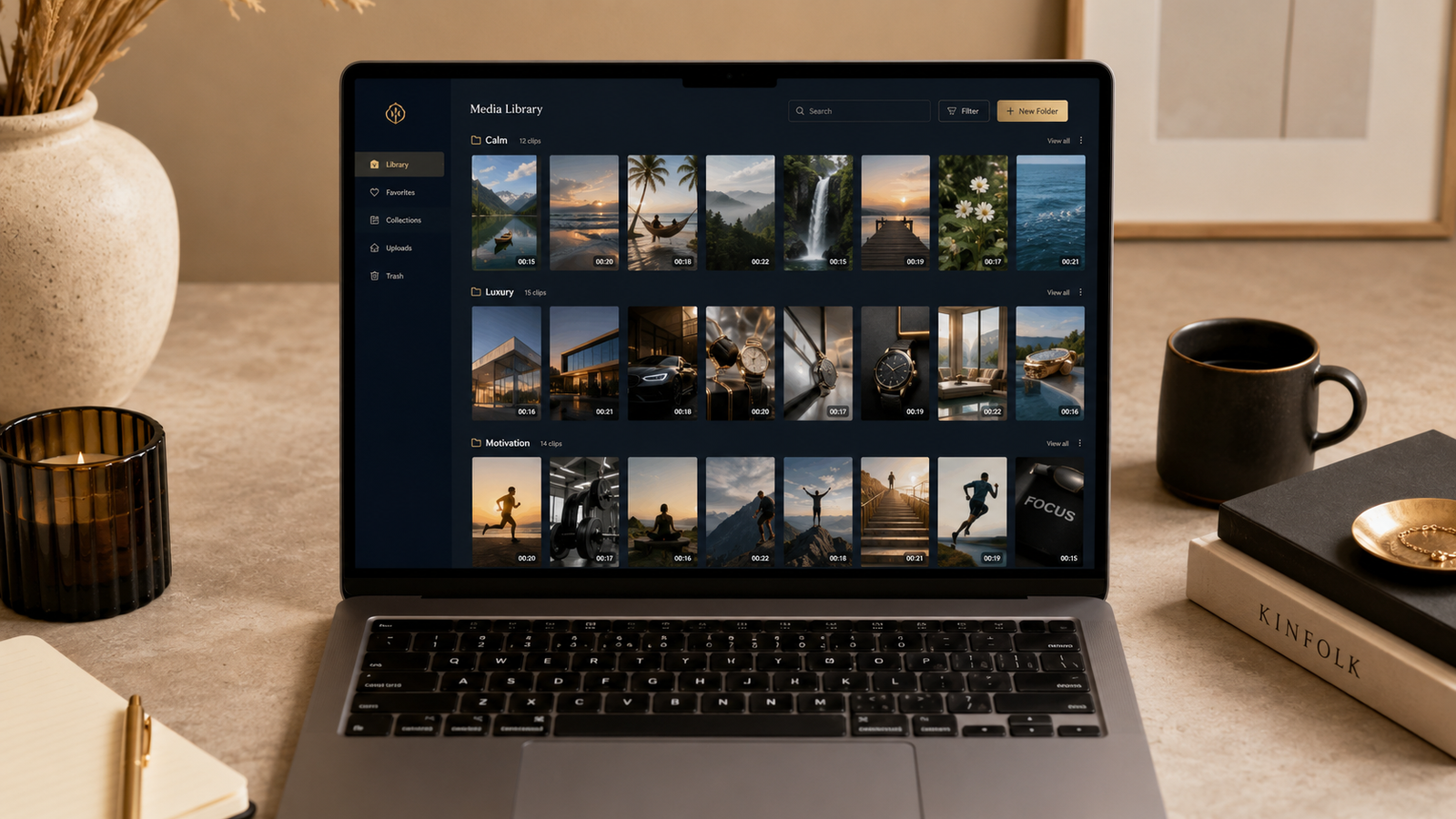
5. Keep a library of vertical clips ready to drop in. This is what separates pages that post daily from pages that post twice and stall. Instead of hunting for a clip every time, you keep an organized folder of footage sorted by niche and mood, and you pull from it in seconds.
That last one is the whole difference. Hunting for the right clip is what turns "post today" into a thirty-minute chore you skip. Having footage organized by niche turns that same task into a two-minute one. It's the reason we built an original clip library sorted by niche, so the footage is already there and already yours to post. Original clips also keep your page from blending into the crowd using the same recycled stock.
How to add a hook that stops the scroll
The clip stops the thumb. The hook keeps it stopped. Put a bold line of text on screen in the first second, before the viewer has decided to move on. It doesn't have to be clever. It has to be clear and it has to promise the next few seconds are worth it.
The hook does the work. Almost any clip can carry a post if the first line earns the next three seconds.
Writing hooks is the part that stalls most people, and it's exactly the kind of task worth handing to a tool. You can get a week of hooks and caption drafts in seconds and then edit them to sound like you. If you want the full breakdown of where that kind of help is genuinely useful and where it quietly hurts you, we wrote a whole piece on what to automate and what to still do yourself. The short version: let AI draft the hook, but you pick the winner and add the line only you would write.
Need a starting point right now? The free Idea Brainstormer will hand you tailored content ideas in a few seconds, no card required.
Post it natively, on every platform
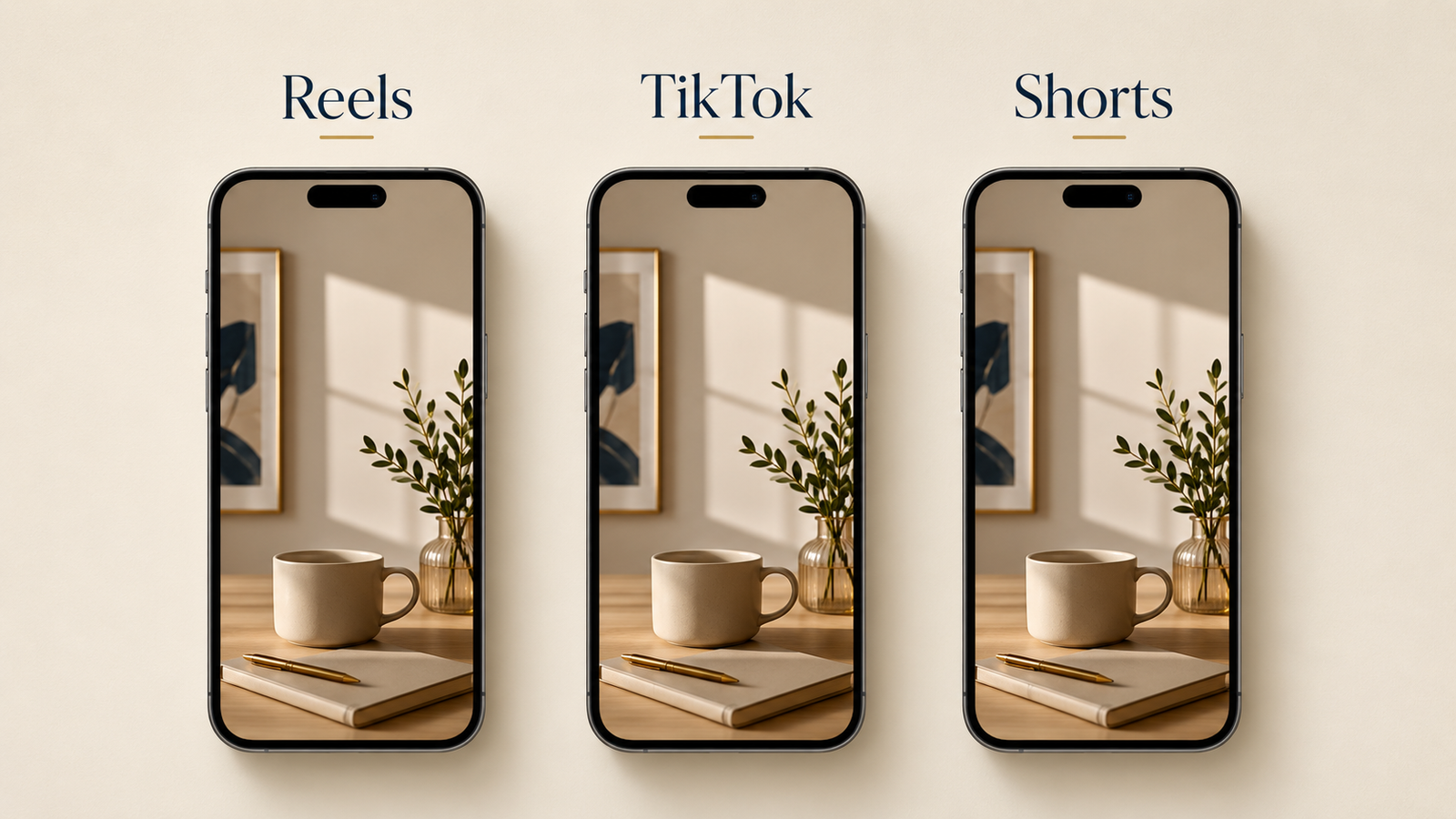
Download your clip without a watermark, add your text, and upload it directly to each platform rather than sharing one link everywhere. Native posts get treated better by every algorithm. The same clip can go to Reels, TikTok, and Shorts with a small caption tweak for each.
A quick way to decide where a clip fits: fast cuts and high energy tend to do best on TikTok first, a slow quote or a calm moment tends to breathe better on Reels and Shorts. When you're not sure, post it natively everywhere and let the week's numbers tell you where it belongs next time.
Turn it into a routine, not a decision
The creators who last aren't more disciplined than you. They removed the daily decision. Batch a week of clips at once, write the captions in one sitting, and let a simple plan tell you what goes out each day. When there's nothing to decide in the moment, posting stops being the thing you dread and becomes a two-minute habit.
That's the entire model. Good footage, a strong first line, posted natively, on a routine you don't have to think about. No camera, no face, no burnout.
FAQ
Do faceless pages actually grow?
Yes. Plenty of accounts in motivation, luxury, finance, and wellness grow large without ever showing a face, because the value is in the message and the footage, not the creator's appearance.
Is it legal to post footage I didn't film?
It depends on the license. Free stock sites and paid clip libraries grant a commercial-use license so you can post the footage on your own pages. Pulling random clips off the internet does not. Always use footage you have a license for.
How often should a faceless page post?
Consistency beats frequency. Once a day is a strong target, but three to five times a week done reliably beats daily posting that burns out after two weeks.
Start with one clip and one hook today. The page that posts is the one that grows.
Never run out of footage
An organized library of original faceless clips, sorted by mood, ready to drop into your next post. New clips added every month, yours for life.
See the Video Library →